
About game
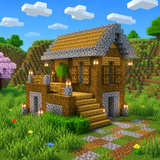
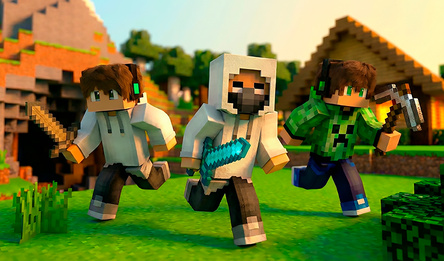
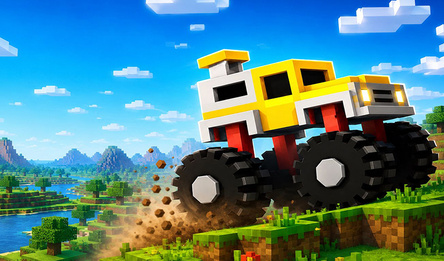
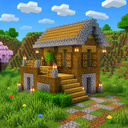
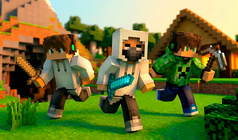
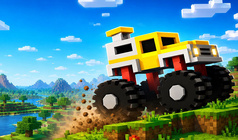
BlockCraft is a browser-based game in the style of a voxel sandbox similar to Minecraft. The vast world consists of blocks that you can freely manipulate: demolish or build with them, dig tunnels, construct houses and palaces, and even span bridges over rivers.
The game world is impressively large and diverse, offering more than twenty different biomes: from oak and birch forests to cactus-filled deserts, snowy peaks, lush jungles, swamps, acacia savannas, and rugged badlands. Valuable ores lie hidden beneath the surface, in the dark depths of mines where glowstone provides light, and at night, the world takes on a life of its own.
In BlockCraft, you'll find flowing water, TNT with chain reactions, a day-night cycle, flight, and sprinting. You can start playing right away without any installation or registration, straight from your phone or computer — and it's all free!
How to play
On a phone: To move — use the joystick on the left side of the screen. To look around — swipe your finger across the screen. To place a block — tap quickly on the desired spot in the world. To break a block — press and hold your finger on it; continue holding and slide to destroy several blocks in a row. To jump — use the round button on the right; double-tap it to switch to flying mode (a descend button will appear next to it). The current block you're holding is displayed in the bottom-right corner. The grid icon in the top-right opens the inventory, and the hotbar is located at the bottom. On a computer: To move — press WASD. To look around — use the mouse. Left mouse button — break a block, right button — place a block. Space — jump, double-tap — fly. E — open the inventory. Number keys 1–9 or the mouse wheel — select a block.Game info
Age rating
6+
Platforms
Authorization support
Yes
Localization
Russian, English
Screen orientation
Release date
Cloud saves
Yes
Categories

Players say
High-quality graphics
A large selection of blocks for creativity
Beautiful landscape and atmosphere
The possibility of building various facilities
User-friendly interface for creating buildings
An open world for research