



Blocks: Disassemble
41Playhop rating
About game
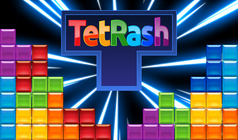
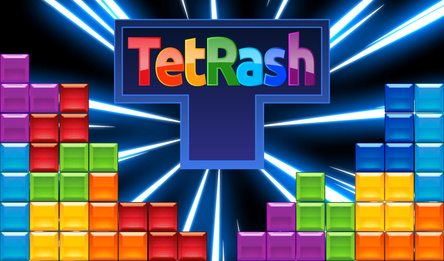
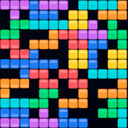
In the game Blocks: Disassemble, blocks consisting of four cells fall onto a field ten cells wide. When a row is completed, it disappears, and the blocks above shift down. If the stack reaches the top, the game ends.
In Marathon mode, a new level starts every 10 rows, with the speed increasing up to level 14, and there's no limit to the number of levels.
Dig mode begins with six rows of garbage, each containing one hole, and more rows appear from below as the level increases.
Points are awarded for clearing rows, streaks, fitting the T-piece into tight spaces, and keeping the board clear.
A shadow indicates where the block will land, the Next window shows the upcoming block, and you can set a block aside temporarily.
Coins earned from completing games and achieving daily goals can be used to buy upgrades and new block colors.
The Rescue feature removes the bottom four rows once per game, up to three times with upgrades. After losing, you can continue once by watching an ad, which clears the bottom six rows.
For registered players, Marathon records are posted on the leaderboard, and progress is saved on the device.
How to play
Control the falling block: move it left or right, rotate it before it settles. Complete rows to make them disappear. Don't let the stack reach the top of the board — otherwise, the game will be over. **Keyboard controls:** - arrows to move and rotate the block (left, right for movement; down to accelerate the fall; space to drop instantly); - X rotates the piece clockwise, Z — counter-clockwise; - C or Shift puts the block on hold; - P or Esc pauses the game. **Touch controls:** - tap the screen to rotate the piece; - slide your finger left or right to move it; - swipe down to speed up the fall or hold your finger after swiping down to drop the piece instantly; - swipe up to put the piece on hold. The II button at the top pauses the game, and the Rescue button removes the four bottom rows once per game (up to three times with upgrades). Using a mouse is similar to touch controls: click to rotate, hold and drag to move.Game info
Age rating
6+
Platforms
Authorization support
Yes
Localization
Turkish, Russian, English
Screen orientation
Release date
Cloud saves
Yes
Categories