





Durak: Throw-in, Transfer and Puzzles
About game
In Durak: Throw-in, Transfer and Puzzles, you can engage in full card battles against computer rivals and take on 30 strategic missions.
You have the option to select Throw-in mode to combine cards of the same rank, Transfer mode to pass attacks to the next player, or Normal mode to fend off one card at a time without adding or transferring attacks.
Compete against 1–3 opponents using a 24-, 36-, or 52-card deck at regular or accelerated speed. Hints and integrated rules will assist you in learning. Personalize your experience by choosing an avatar, nickname, and card back design.
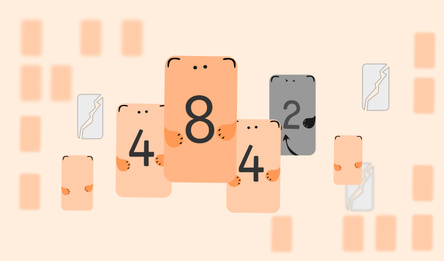
Attempt puzzles to preserve a trump card, force an opponent to take cards, plan a transfer, or secure victory within a specified number of rounds. Each challenge features a goal, a hint, and an explanation upon success. Replay deals to discover alternative solutions. All 30 puzzles are accessible from the start, and completing each one for the first time rewards you with 50 coins for card backs.
Customize your matches or dive into a puzzle!
How to play
To begin playing, open "Create Game", select the mode, opponents, deck, and speed, then launch the game. Your goal is to discard your cards and avoid being the last player with cards left. To play, simply click or tap. For an attack, choose a card from your hand. To defend, first pick an undefeated card on the table, then play a higher card of the same suit or a trump from your hand; only a higher trump can beat a trump. If you can't defend, tap "Take". In Throw-in and Transfer modes, add cards that match the ranks already on the table. To pass an attack when possible, tap "Transfer" and select a matching card. End your turn with "Done", "Enough", or "Next". In Normal mode, you use one attacking card without any additional cards or transfers. For puzzles, go to "Create Game" > "Puzzles", pick a position, and tap "Start Puzzle". Achieve the goal by tapping "Objective" to check it. Use hints, read the explanation after success, or retry the position.Game info
Age rating
18+
Platforms
Authorization support
Yes
Localization
Russian, English
Screen orientation
Release date
Cloud saves
No
Categories