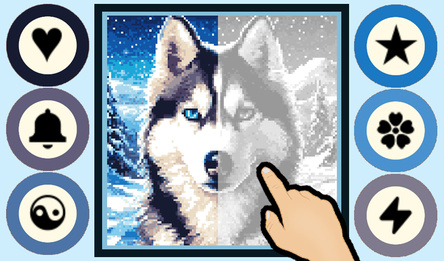
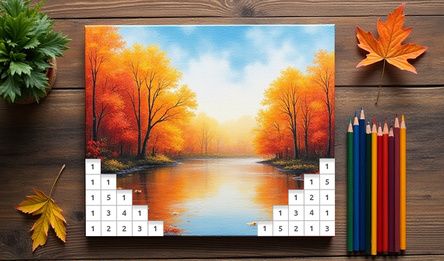
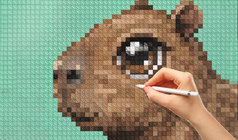
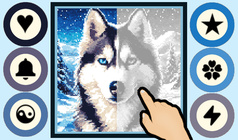
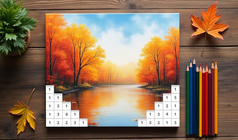
The application features thousands of colourful and monochrome nonograms that you can choose from an online directory. The game's collection grows every day with new nonograms. You can tailor the interface to suit your preferences effortlessly.
To help solve the puzzles, there are hints and other useful features, which can be turned off if you prefer a greater challenge. The game is available on both computers and mobile devices.
With the filter, you can pick the desired size, colour, and orientation of the nonogram. The program saves downloaded nonograms and progress automatically when you exit to the menu, allowing you to continue solving them later, even offline.
On mobile devices, a special cursor appears for large nonograms when the grid is too small, making it easier to draw. This cursor can be disabled via the bottom panel.
You can choose between three drawing modes: lines, blocks, and dots.
How to play
If your device is equipped with a keyboard, you can use the following shortcuts:
* W, A, S, D, Home, End, PageUP, PageDown — to move the nonogram.
* 0–9 — to select a colour.
* Plus, minus, or square brackets — to zoom in or out the field.
* QE — to pin or unpin the panels with numbers.
* Arrow keys — to move the cursor across the field; Left Shift — to draw with the current colour; Left Ctrl — to mark with crosses.
* Ctrl+Z — to undo.
* Ctrl+S — to save.
* Tab — shows the block for the current row and column that can be found by simple intersection, if available.
Mouse wheel:
* vertical scrolling if the crossword is taller than the screen;
* zooming if the crossword is smaller than the screen.
When holding Ctrl — zooming; when holding Shift — horizontal scrolling.
Left mouse button or touch — drawing with the selected colour (Ctrl/Shift changes the drawing mode).
Right mouse button — marking found empty cells with crosses.