





About game
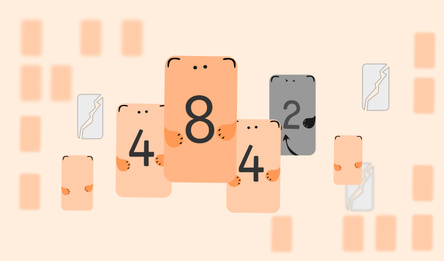
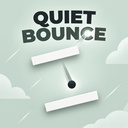
Quiet Bounce is a geometric puzzle game with a full-screen field. Your task is to select a starting point and eliminate all the white figures.
The game features 500 levels divided into 10 chapters, which open sequentially. The initial chapter offers simple missions with easy objectives and brief paths. As you progress, you'll encounter black walls that can be used once, targets that require two hits, movement, rotation, portals, splitters, and lenses. Completed layouts are displayed in the collection. You can start any chapter from the first level using an optional video, or access the entire game through regular play.
Touching the screen continues the melody, and completing levels earns you points. The workshop provides 7 themes and 10 balls with trails, such as a rainbow trail, available for points or videos. The game also includes hints, save options, and support for six languages.
How to play
To play Quiet Bounce, press and hold in the empty space, move your finger or mouse in the desired direction, and release — the ball will follow your movement. A brief tap sets the ball, and another tap determines its trajectory. Your task is to eliminate all white figures and threads in one try. White objects bounce and disappear, while regular black shapes stay put. Cracked black walls shatter after a single hit but aren't essential. Double-hit white targets require two impacts. Threads allow the ball to pass through. Teal portals transport the ball, violet prisms divide it, golden lenses curve its path, and burgundy voids swallow it. Losing all balls or taking a new shot brings back the shapes. Clearing a level unlocks the next one. You can replay completed levels and view them in the collection. Videos open access to a chapter or a specific level within an open chapter. Clearing a level for the first time earns you cosmetic points. Press R to restart, use the spacebar to pause, and Esc to open or close the menu.Game info
Age rating
0+
Platforms
Authorization support
Yes
Localization
Turkish, Russian, French, Spanish, English, German
Screen orientation
Release date
Cloud saves
Yes
Categories