
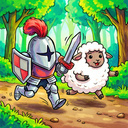
About game
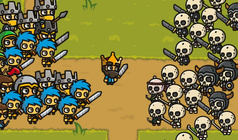
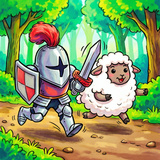
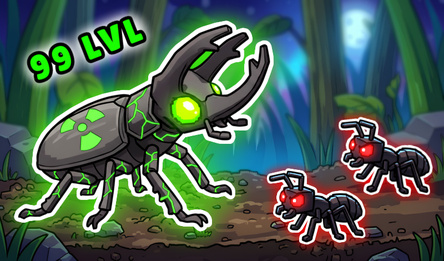
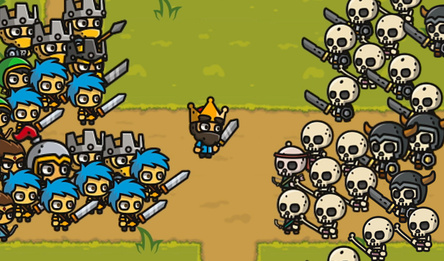
In Sword and Horde, you take on the role of a solitary knight in a mysterious forest, where you must battle relentless hordes of creatures — from agile goblins to giant trolls and formidable bosses.
The gameplay is straightforward yet engaging: you control a knight armed with a sword, defending against enemies and avoiding their attacks. The key feature is the upgrade system — after each wave of enemies, you'll be offered one of three random enhancements or spells.
Summon explosive sheep! Launch ghostly strikes from the shadows! Transform your regular attack into a powerful wave, or gain speed for swift manoeuvres. Mix and match abilities to develop your own combat style.
Key features include:
- Pixel 2D graphics.
- A variety of enemies and unique bosses.
- Random upgrades ensure each playthrough is different.
- Leaderboard to compete with other players.
Sword and Horde is a fast-paced survival action game where not only your speed but also your choice of spells can make you a legend. Are you ready to face the endless horde?
How to play
Controls: On PC: - Use W/A/S/D or arrow keys (↑ ← ↓ →) to move the knight. - Attacks are carried out automatically every 2 seconds. - The Esc key opens and closes the pause menu, where you can access settings or exit the game. With the mouse: - Left click to interact with interface elements: select spells, confirm actions, adjust settings, or exit. - Move the cursor over buttons to see tooltips. For touch devices (phones, tablets): - Drag your finger on the virtual joystick anywhere on the screen to move. - Standard taps on spell and menu buttons to activate them. Tips: - To choose a spell after a wave, just tap one of the three buttons or use the mouse cursor/finger. - In the pause menu, you can adjust the music and sound volume, change the language, and return to the main menu.Game info
Age rating
12+
Platforms
Authorization support
Yes
Localization
Russian, English
Screen orientation
Release date
Cloud saves
No
Categories