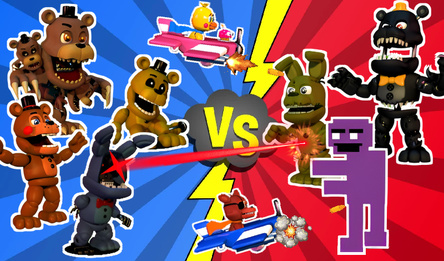
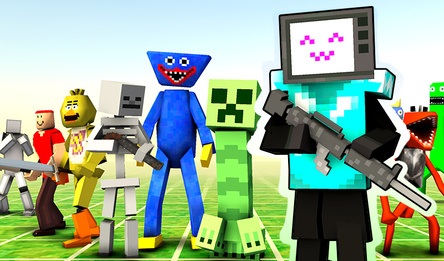
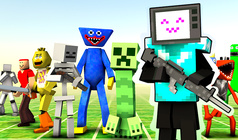
Create your own pixelated universe, populate it with ragdoll characters, and observe the chaos that unfolds! In Toybox: Pixel World Sandbox, you can craft a unique 2D world governed by physics. Lay down blocks, bring to life cats, rabbits, pigs, and more, try out various weapons and items, and organize battles between red and green teams. Whether you choose to directly control a character or simply watch how they interact with the environment, the possibilities are endless. Collect wood and crystals to fashion new gear, then tear it all down and try something fresh. There are no set objectives or winning conditions — the joy lies in the experimentation itself.
How to play
To start building, open the menu with characters and blocks, pick a category and item, then place it by clicking or tapping on an empty spot. Construct buildings, add characters and equipment to your world. The button with crossed swords lets you turn bot battles on or off. Use the hammer menu to make equipment from gathered resources.
On a desktop, use the mouse to place and move objects. Drag an empty area to shift the camera view, and use the mouse wheel or + / - to zoom in and out. To control a character, press the character-control button, then use A / D or Left / Right to move, W to jump, Space or the right mouse button to attack, and G to drop an item.
On mobile, tap menus and the screen to place items, drag to interact, and use on-screen buttons for movement, jumping and actions while controlling a character. Use + / - for zooming.
Let your imagination run wild, experiment and create your own adventures in Toybox: Pixel World Sandbox!